Account settings
Last updated October 26, 2026
Profile
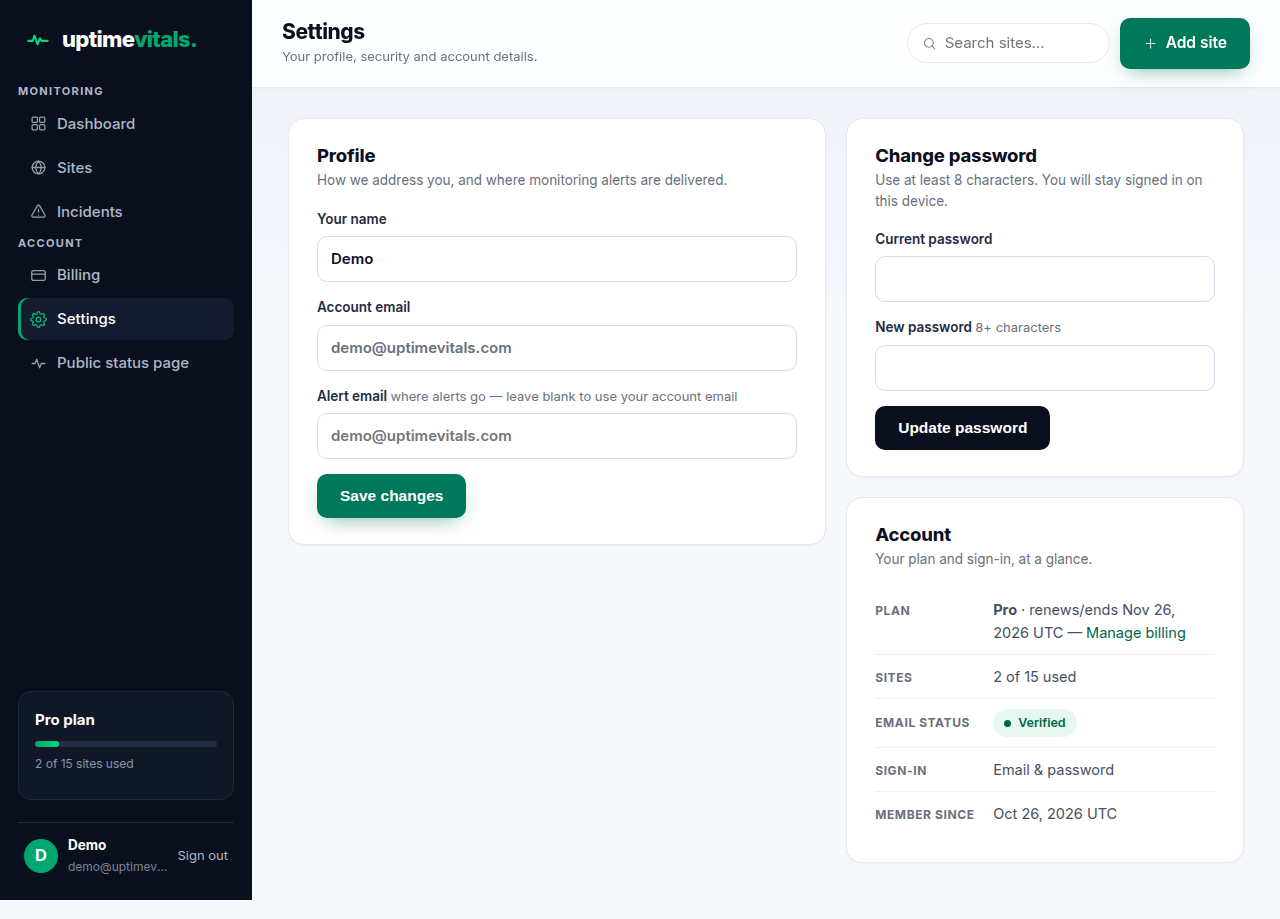
Settings → Profile. Your name is editable — it's how we address you in mail. Your account email is shown but cannot be changed here; contact support if it must change. Alert email is where monitoring alerts go — leave it blank and alerts use your account email instead.
Change password
Settings → Change password: current password, then a new one (8+ characters). You stay signed in on the device you changed it from.
The Account card
- Plan — your plan and its renewal/end date, with a Manage billing link.
- Sites — how many of your plan's sites you use.
- Email status — Verified, or Not verified (verify to unlock adding sites).
- Sign-in — "Google account linked" if you connected Google, otherwise "Email & password".
- Member since — the date you joined.
Still stuck?
Talk to a human — support is answered by the person who runs the service, usually within one business day.